Codes
Festival Builder Tycoon codes for Nov 2026: no active promos yet, how future rewards will be listed, and redeem steps when they drop.
View all CodesRoblox codes, festival builds, band booking tips, and 5-star guest guides.
Unofficial Festival Builder Tycoon Roblox wiki for codes, builds, band schedules, guest happiness, and Galaxy Update tips.
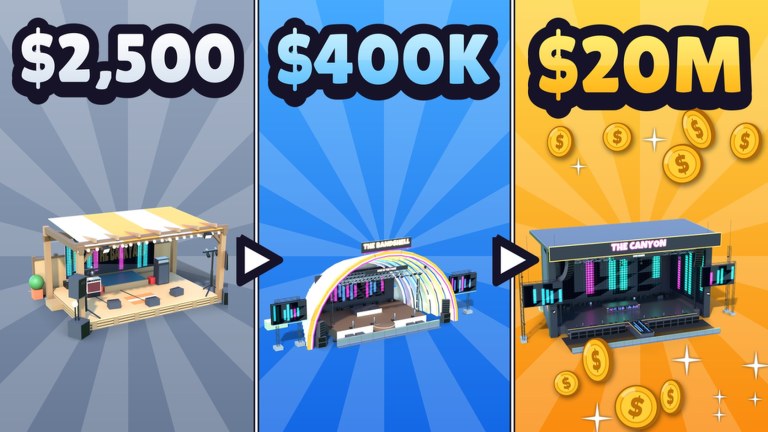
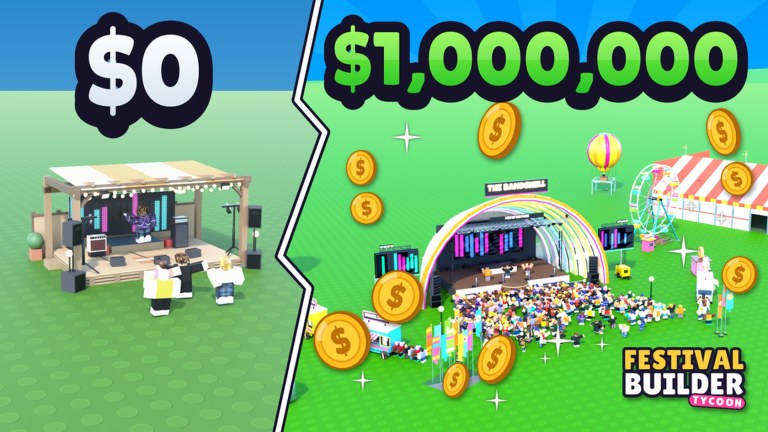
**Festival Builder Tycoon** is a Roblox simulation tycoon by **Convicted_Orange** where you grow a music festival from a garage gig into a mega stage for tens of thousands of guests. Place stages, food trucks, and paths, then decorate the grounds — including the **Galaxy Update** theme with giant festival-name letters. Book bands and DJs for live shows with lights that react to every song, keep crowds fed and happy for **5-star nights**, chase **Festival of the Day**, and visit friends' plots on servers of up to four players. Start with the Getting Started guide, skim Codes for free rewards when they drop, study Festival Build layouts, and check the Galaxy Update notes before you rebuild.
Festival Builder Tycoon codes for Nov 2026: no active promos yet, how future rewards will be listed, and redeem steps when they drop.
View all CodesIn-depth Festival Builder Tycoon guides covering builds, band booking, guest happiness, money, and five-star nights.
View all GuidesFestival Builder Tycoon tier lists for stages, decorations, and game passes ranked by guest impact, vibe, and free-path value today.
View all Tier ListFestival Builder Tycoon multiplayer guide: visiting friends festivals, max 4-player etiquette, and co-op building manners that help nights.
View all PlayersFestival Builder Tycoon patch tracker: Galaxy Update highlights, decor drops, and what builders should recheck after each content wave.
View all UpdatesFestival Builder Tycoon scripts: no verified public scripts found yet, plus executor ban risks and safer free-path progression tips.
View all ScriptsFestival Builder Tycoon layout and night-prep checklists: paths, stages, food, decor, bookings, and lights before you open the doors.
View all ToolsOfficial Festival Builder Tycoon links: Roblox game page, creator Convicted_Orange profile, and every major wiki hub collected in one list.
View all LinksLaunch [Festival Builder Tycoon](https://www.roblox.com/games/76331960407574/Festival-Builder-Tycoon) (Place ID 76331960407574) by Convicted_Orange — not Music Festival Tycoon or The Chainsmokers Festival Tycoon.
Follow Getting Started then Festival Build to place a stage, paths, and a food truck before chasing decorations.
Use the Book Bands guide so DJs and live acts do not overlap stages and kill your night rating.
Keep guests fed and watered with Guest Happiness, then aim for Festival of the Day.
Read the Galaxy Update notes for 31 new decorations, the Galaxy theme, and giant festival-name letters.
Quick answers to the most common Festival Builder Tycoon questions.
A Roblox music-festival tycoon by Convicted_Orange where you build stages, book bands and DJs, decorate grounds, and keep guests happy for 5-star nights.
No. Festival Builder Tycoon uses Place ID 76331960407574. Music Festival Tycoon and The Chainsmokers Festival Tycoon are different experiences with separate progress.
As of November 2026 there are no confirmed active codes. Check the Codes hub and How to Redeem whenever the creator drops a string.
This wiki supports: English, Français, Deutsch, Español, Português (BR). Configure locales in site.meta.json and run npm run generate:i18n.
Stagger showtimes across stages and avoid double-booking the same time window. Full steps are in Book Bands.
Thirty-one new decorations, a Galaxy theme, and giant letters for your festival name. Details live on the Galaxy Update page.
Use our Festival Builder Tycoon guides to place stages, book bands without clashes, and keep guests happy. Start with Getting Started or jump to Codes and the Tier List.
Start with the beginner guide